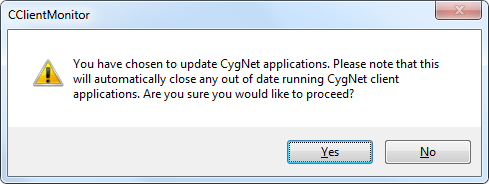
Use the CygNet Client Monitor to update CygNet applications on demand, or schedule an update at a specified time every day.
To Update Specific CygNet Applications
To Schedule Automatic Updates
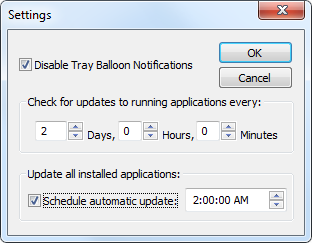
Note: If running CygNet Client Monitor as a standard user with UAC enabled, you cannot schedule automatic updates because the program will not be able to version-manage applications. The program will not prompt to elevate user permissions even if UAC is enabled. If you are running this application on a CygNet client computer you must disable UAC so that the application can perform scheduled automatic updates to all installed applications. See CygNet and User Account Control for more information.
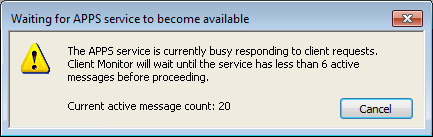
The CygNet Client Monitor includes a mechanism to stall updating if the APPS becomes overloaded with messages. This might occur if many users schedule an update at the same time or right after an upgrade.
Prior to downloading files the CygNet Client Monitor will look at the active message count in the APPS service. If the count is greater than or equal to one third of the service's configure maximum active message count (MAX_CONCURRENT_MSGS) in the Apps.cfg file, the service will display a Wait message until the message count falls below the threshold.

|
|
|

